Run, set up and oversee AI Capabilities in one place.
The MEMIST app is for direct execution, package and setup management, and organization and Project oversight. Use it alongside your preferred harness. You do not have to choose one for good. The screens are illustrative and use a fictional customer.
Four jobs the app does well
Manage packages and setup
PreviewBrowse a package, see what it includes and what it needs, and check that its connections are ready before anyone runs it.
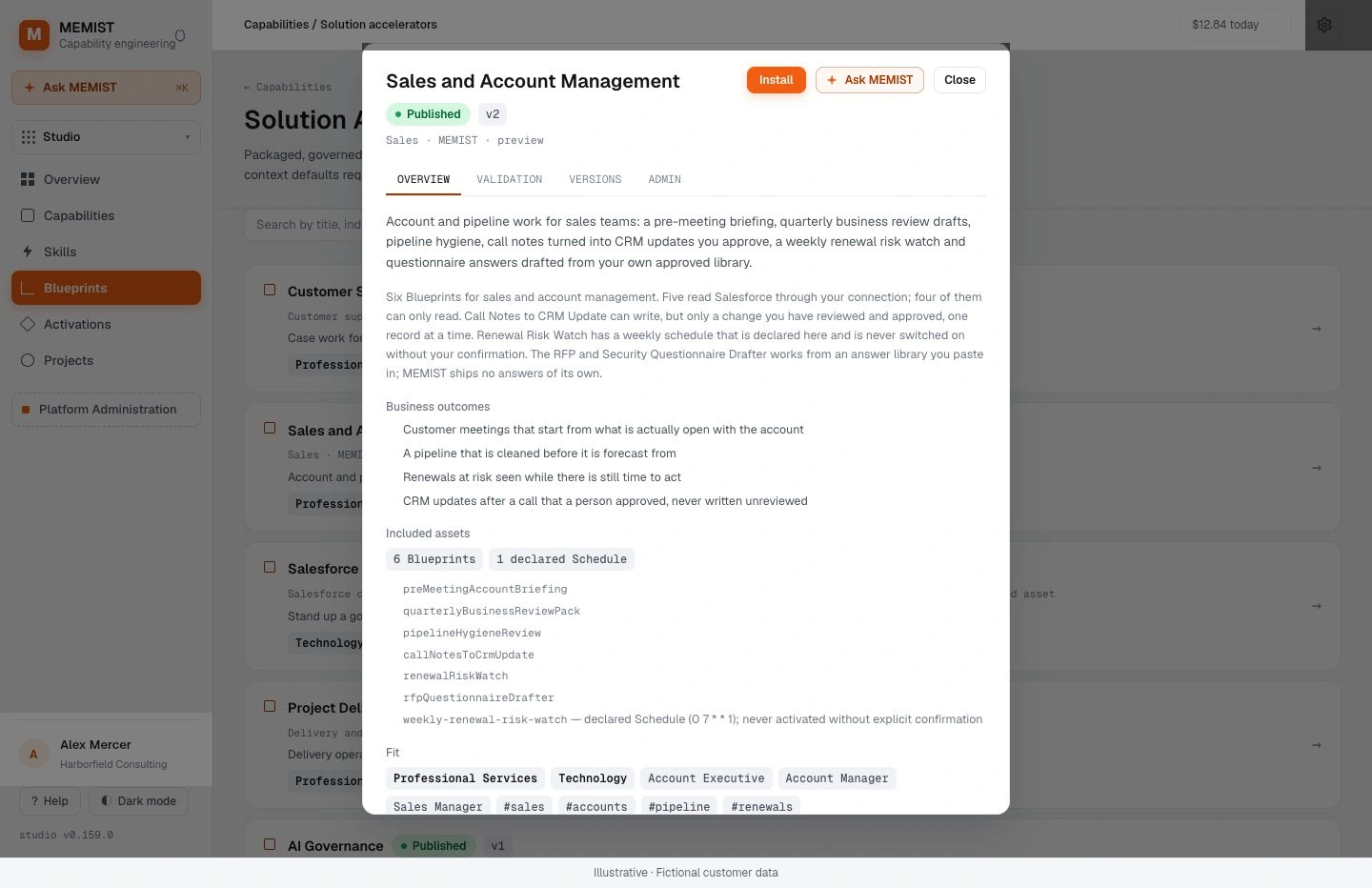
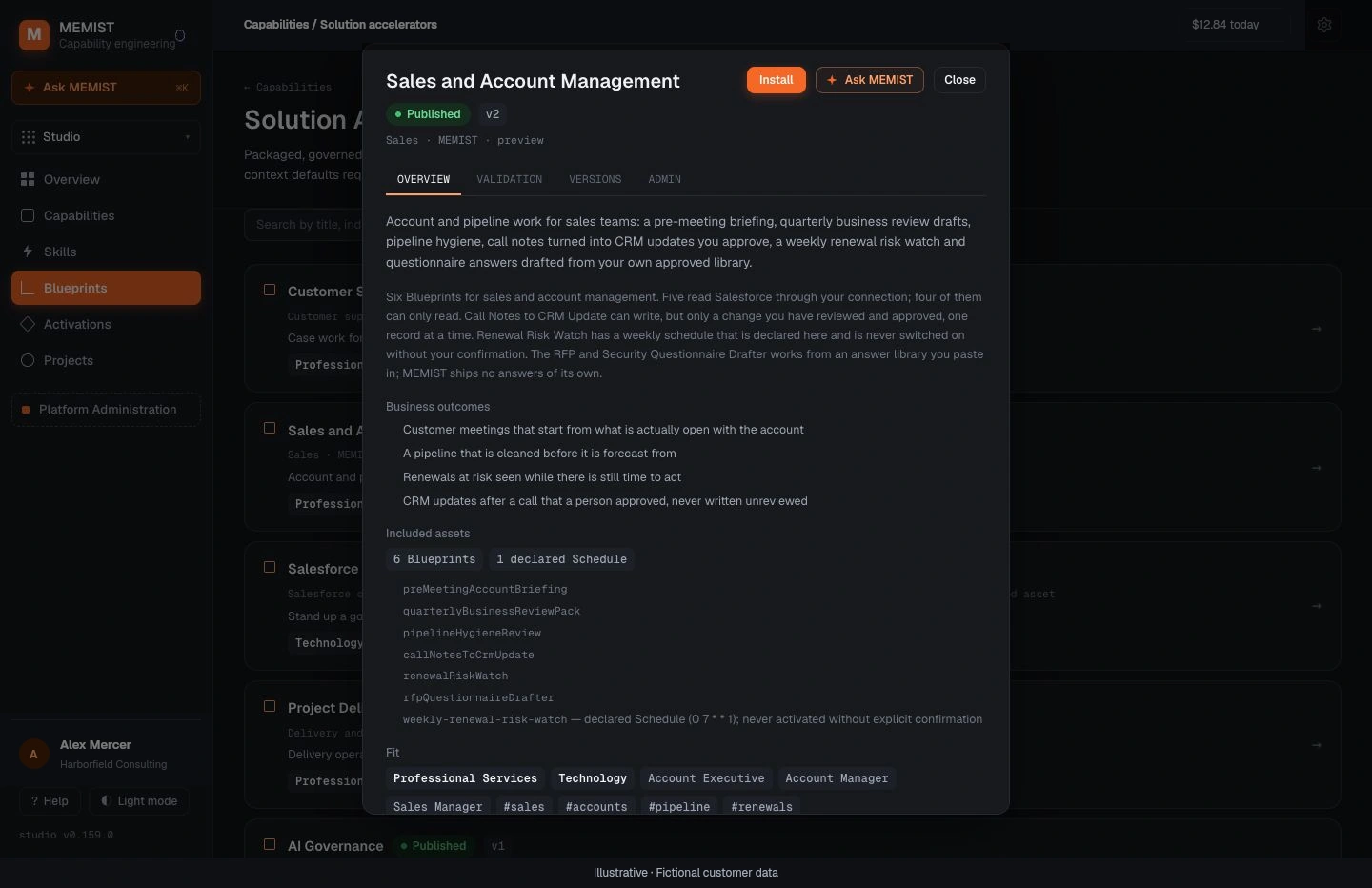
Illustrative · Fictional customer dataThe Sales and Account Management package and its included Blueprints. Run a Capability directly
AvailableRun a Capability from the app: choose the account, add context and start it. The same Capability version runs whether it is started here or from a harness.
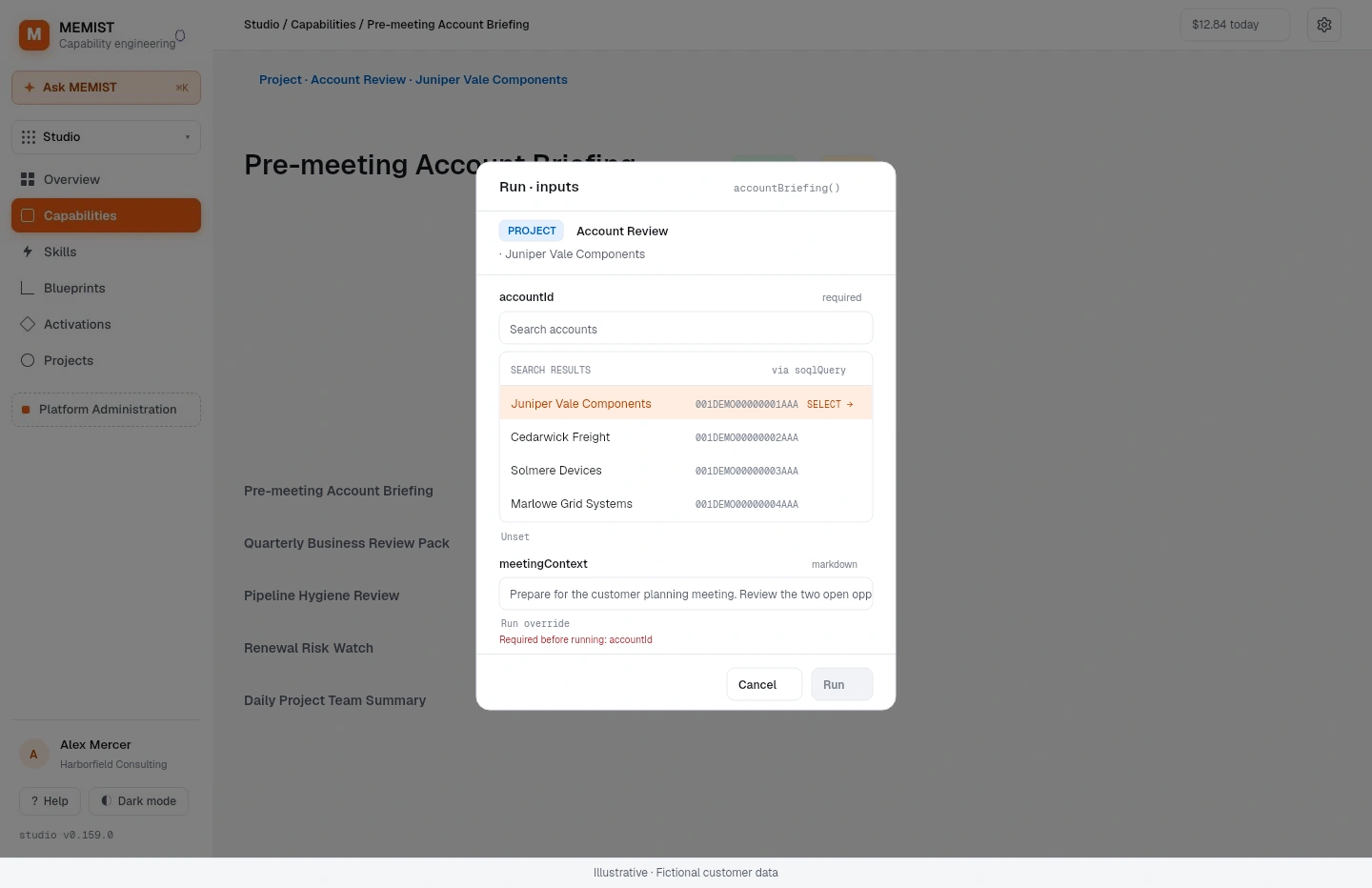
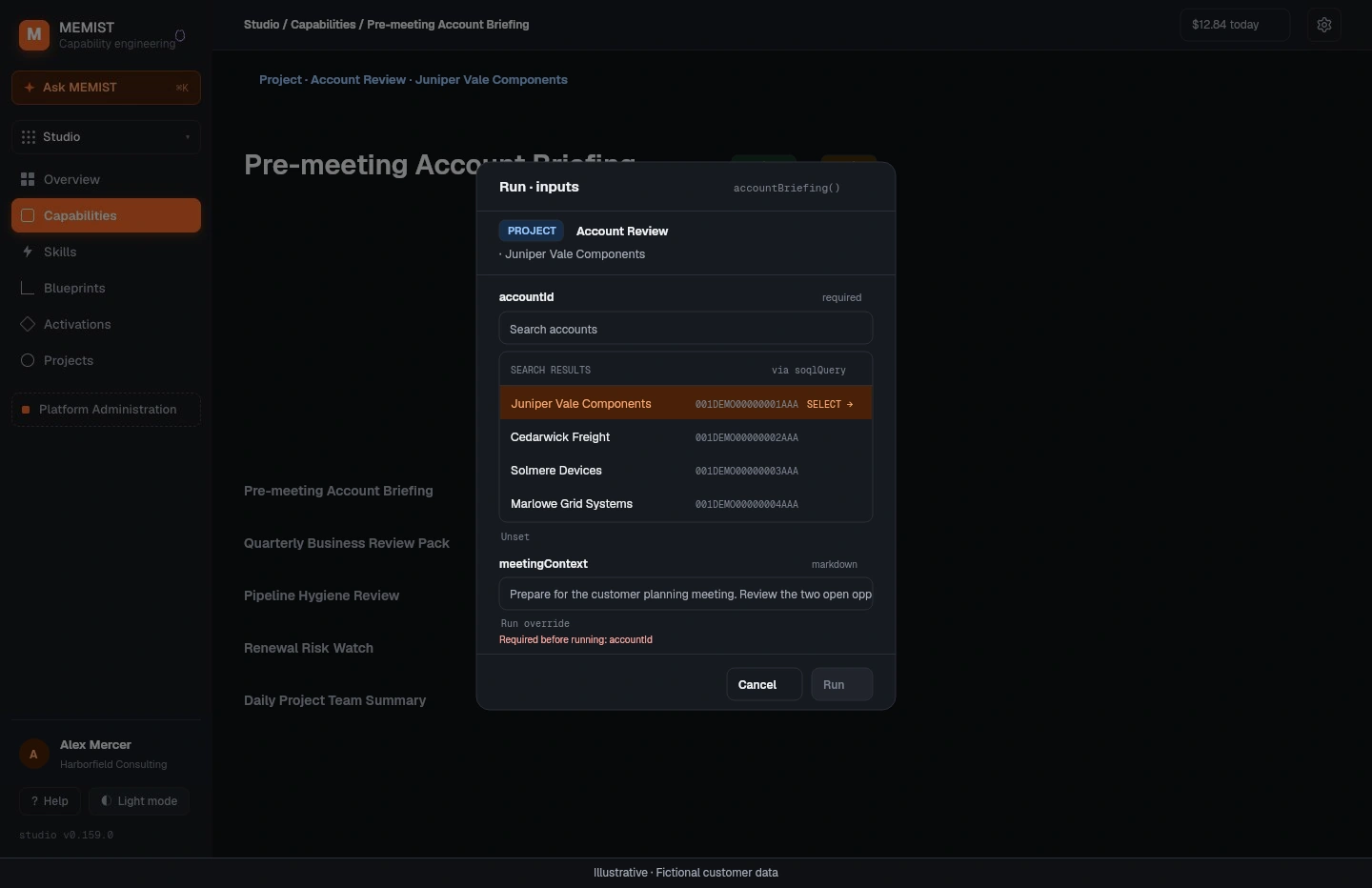
Illustrative · Fictional customer dataPre-meeting Account Briefing inputs for a fictional customer. Read the result with its sources
AvailableThe result shows what the Capability read, the sources it used and what it did not have, so a person can judge it before using it.
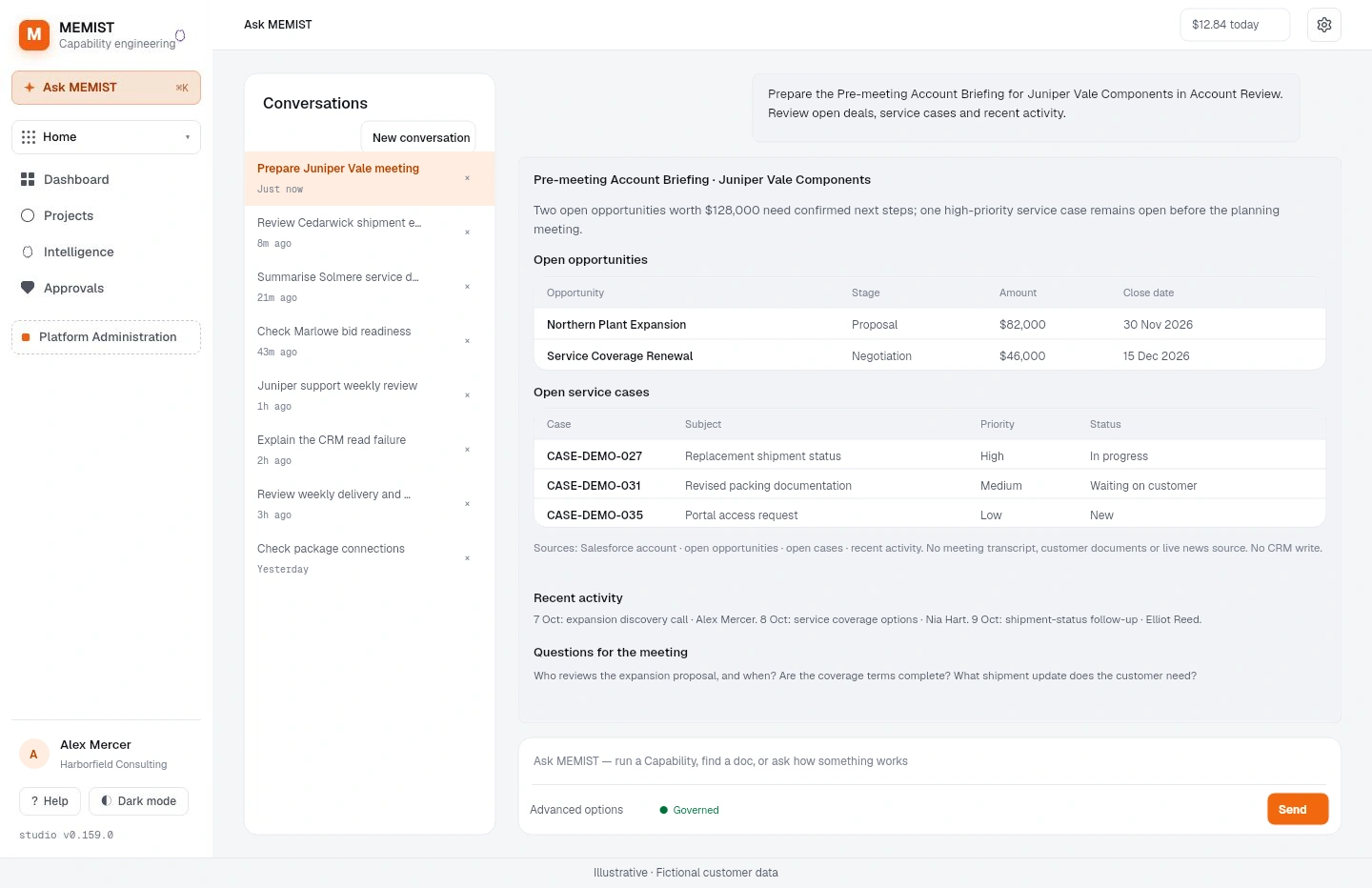
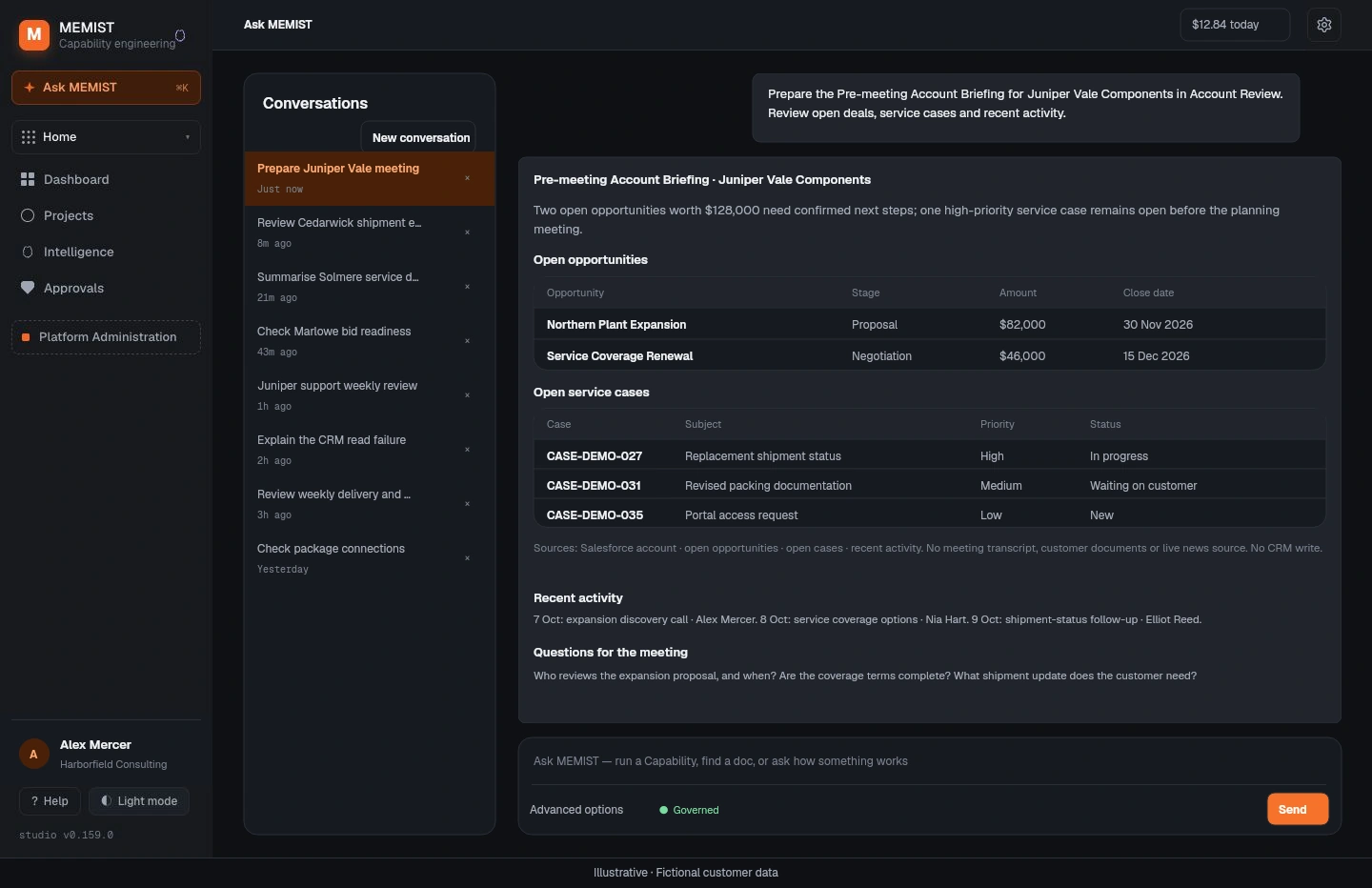
Illustrative · Fictional customer dataA meeting brief with its sources and evidence limits. Oversee the organization and its Projects
AvailableAdministrators and Project leads see Projects across customers and the spend behind them, with Actual spend and API-equivalent kept apart.
Illustrative · Fictional customer dataFive Projects across four fictional customers.


Use whichever fits the moment
Use the app when
- You are setting up a package or checking its connections.
- A business user needs to run a Capability without a coding agent.
- You are overseeing Projects, spend and approvals across the organization.
Use your harness when
- The work is already happening in Claude Code, Codex or another MCP client.
- You want the Capability’s result inside the tool you are already using.
- Either way the run is recorded in the same place. See it in your AI harness →
Ask for what you need to connect
What must I connect for this package?
The briefing needs Salesforce and its hosted MCP source, both ready in this scene. Delivery Updates is optional and still needs setup. The Blueprint remains a Preview.
Start with one package and one team.
We will walk through setup, a run and the recorded result with you.