Know what AI costs on each client engagement.
Your consultants use several AI tools on several clients at once. MEMIST books each one's AI cost to the client engagement it was for, across vendors, so you can protect your margin and answer the client with records.
AI is now a cost of delivery
One bill, many clients
AI vendors bill your firm, not your engagements. Without a split, AI cost sits in overhead and nobody can say which client it served.
Clients start to ask
“How much AI went into this?” is a fair question. The answer should come from records, not from a guess made at invoice time.
Margins move quietly
A fixed-price engagement with heavy AI use can lose money before anyone notices. Spend per engagement makes it visible while there is still time to act.
From a consultant's AI tool to the client's cost report
One Project for each client engagement
AvailableA Project names the client and the engagement, and who on your team may see it. Its budget sets how much AI spend it may use in a window.
Illustrative · Fictional customer dataFive Projects across four fictional clients. Usage is booked as the work happens
AvailableWhen a repository belongs to the engagement, your consultants' coding tools report their usage straight to its Project. Nobody types a client name into a prompt.
Illustrative · Fictional customer dataSessions by repository, with reported usage and a missing cost left missing. Vendor bills are tied to the engagement
AvailableTie an Anthropic workspace, an OpenAI project or a GitHub cost center to the client's Project. What nobody tied stays visible as not booked, never spread out by guesswork.
Illustrative · Fictional customer dataActual spend and API-equivalent shown apart across five Projects. A cost report for the engagement
PreviewOne engagement's Actual spend and its API-equivalent as two separate figures, with the client it is attributed to, for the window you choose.
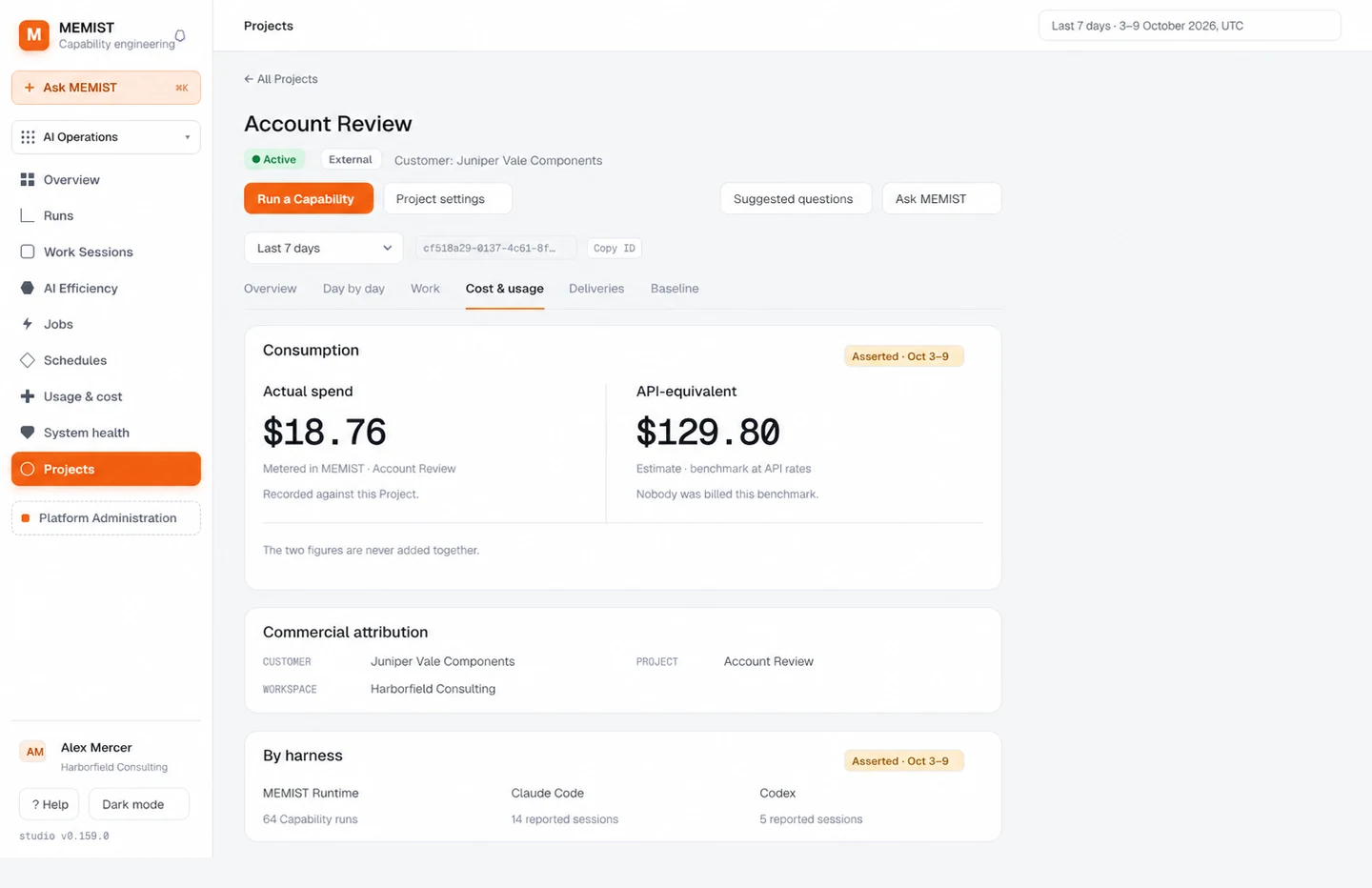
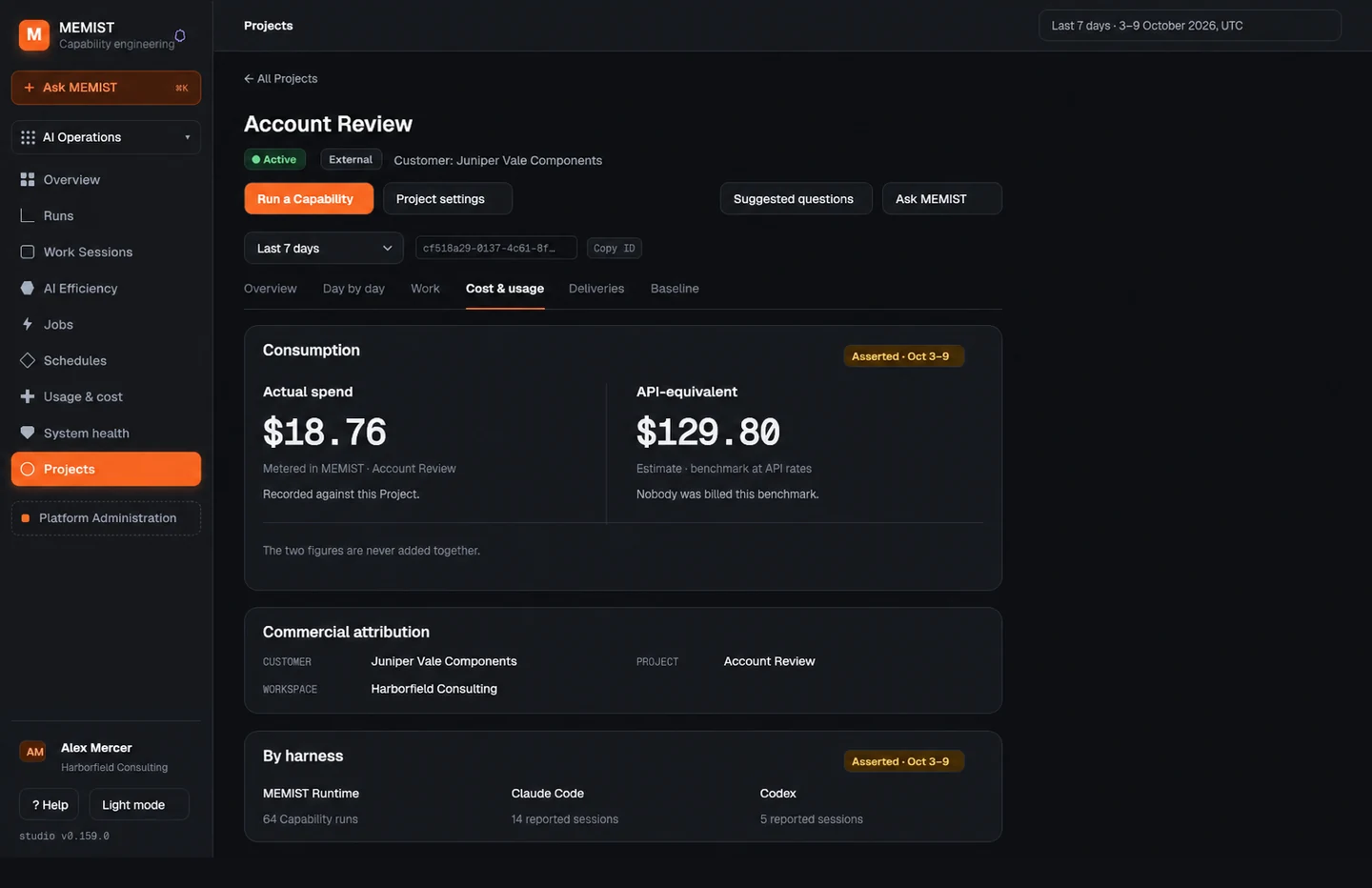
Illustrative · Fictional customer dataA fictional client's Project report, Cost & usage tab.


Numbers that hold up when the client asks
- Money actually billed and list-price estimates are separate figures, never added together.
- A cost MEMIST has no record of is shown as missing, never as zero.
- Every figure links to the page behind it, by vendor, by day, by Project and by person.
- Your consultants' prompts, responses and code are never received. People are only grouped in a view when three or more share it.
Available, preview and planned
- AvailableAI spend by client Project, across vendors
- AvailableBudgets per Project, and a workspace spending limit with an email alert
- AvailableActual spend kept apart from estimates in every report
- AvailableMonthly usage statement per client with your markup, as PDF and CSV (a report, not an invoice)
- PreviewProject cost report for one engagement
- PlannedOne view across several client workspaces you manage
Plans start at the AI Usage price on the pricing page. When your firm wants to turn its delivery methods into reusable AI work, Capabilities run on the same Projects and the same ledger.
Bring one client engagement.
We will show what MEMIST can book to it today, and what it cannot.